Webflow vs WordPress vs Framer for SEO in 2026: Which CMS is best for rankings, schema, and scale?
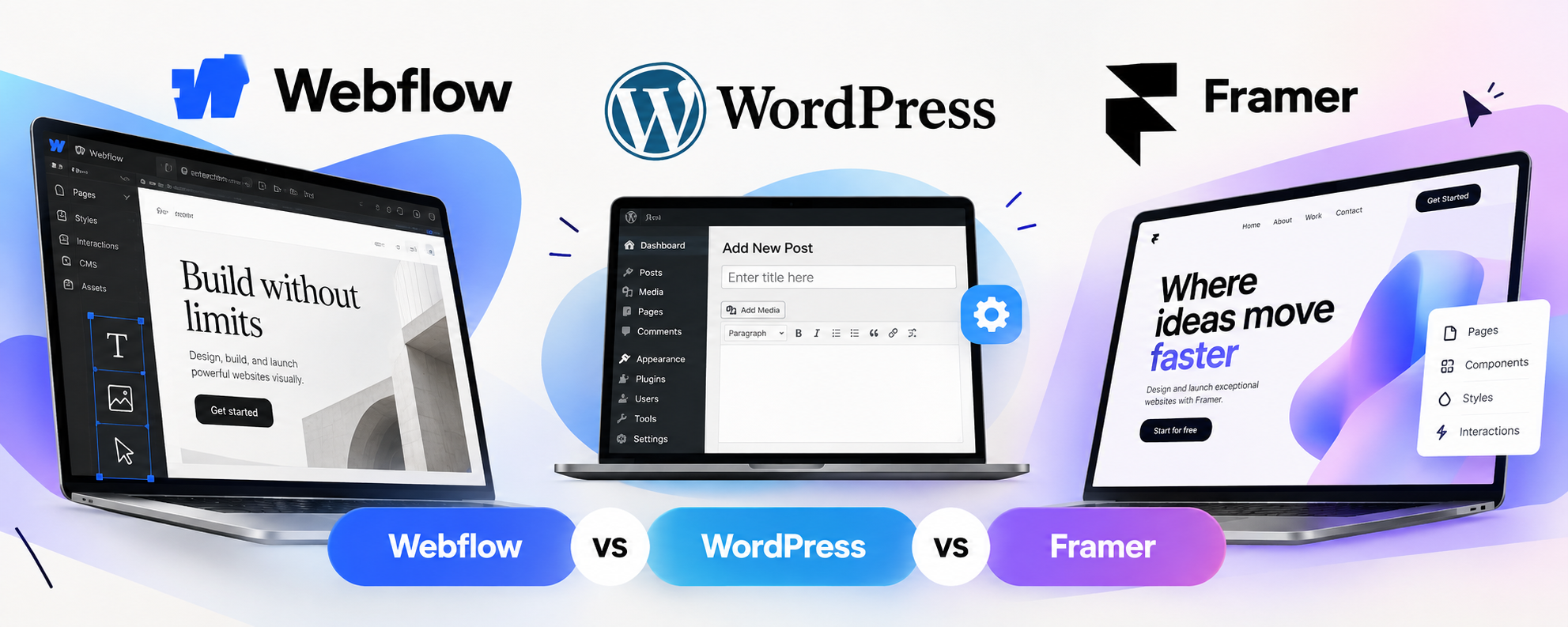
Three platforms dominate the "what should we build on?" conversation for marketing sites in 2026: WordPress, Webflow, and Framer. All three can rank on page one. None is the automatic winner. What separates them is how they handle the three things that decide SEO outcomes over time: technical control, structured data (schema), and how well the CMS holds up as your content grows.
Being wrong is costly. The inability of a platform to accommodate your plans and its aversion from the team create SEO debt which is difficult to reverse. This article will give a brief overview of where each platform succeeds, where it fails, and how to choose depending on the growth strategy.
There is an important point to make before we get started. Online comparisons have been conducted by agencies that are specialists in just one particular platform, and their purpose is to attract you there. Our references here come from those resources but our judgment is impartial.
The Quick verdict
- WordPress: the highest ceiling for content scale and plugin-driven SEO, but you own the maintenance.
- Webflow: the strongest balance of clean code, CMS depth, and built-in SEO controls without plugins.
- Framer: the fastest route to a polished, design-led site, and perfectly capable for simpler SEO needs, but it runs out of room sooner.
Technical SEO fundamentals
On the basics, all three tick the boxes: editable titles, meta descriptions, alt text, redirects, canonicals, and sitemaps. The differences show up in how consistently those controls are applied, and in how much of the work falls on you.
Webflow takes care of the basics without any plugins. With the way templates function on the Webflow platform, there will be one SEO field per CMS template. That will ensure that nothing is forgotten about on individual pages. It also allows you to handle heading hierarchy, canonical tags, robots.txt file, and 301 redirects within the platform itself. The box model used by Webflow tends to generate cleaner and semantically correct HTML, which makes it easier for crawlers.
Framer has made considerable strides since 2024 and has been able to add support for redirects, canonicals, metadata, and sitemap. However, the downside is that its canvas style page layout tends to generate not-so-clean semantically page output compared to that of Webflow. Agency experiences in migrating their websites from Framer to Webflow have seen Lighthouse SEO scores increase by a few points.
WordPress is entirely dependent upon your configuration. If you use any plugin such as Yoast or Rank Math, you would have access to all controls related to metadata, redirect, and sitemap. But in case of misconfiguration, there would be a greater chance of having problems. It could be conflicting plugins, a theme that generates its own canonical tags, or a page builder that makes the markup heavy.
In both cases, the trend is similar: Webflow and Framer offer few options with better defaults, while WordPress offers all knobs to configure.
Schema and structured data
The importance of structured data has increased over the years due to the use of AI-based searches for understanding pages and using structured data.
WordPress is the easiest option. There are visual schema builders for Article, Product, FAQ, HowTo, and Local Business schemas in the form of SEO plugins, with zero coding involved. This is an actual benefit for non-developer teams that will be hard to compete against.
Webflow does not have a schema plugin layer in the traditional sense, but allows custom code injection, and the template-driven architecture of Webflow allows making schema implementation scalable – you create a JSON-LD template on a CMS template page, and it will replicate itself across all items in the collection. That’s an actual benefit for blogs, case studies, and service pages, where hundreds of URLs need to be consistent. In addition, Webflow has gained some AI-powered SEO tooling in 2026, including a launch of AEO products in April 2026, with LLM visibility tracking included.
Framer also allows custom code, which means JSON-LD can be hosted there. The difference is that workload is required here. Schema markup implementation involves manual code injection either per page or per CMS template, while schema markup usually requires custom code. A ten-page website is nothing here, but hundreds of pages means maintenance issues, especially when markup implementation is inconsistent between CMS.
CMS depth and scale

This is where the platforms separate most clearly, and it's the factor most teams underestimate at the start.
Framer CMS fails is in complexity – it doesn’t have nested collection lists and sophisticated relational models. In result, it often gets exhausted by the volume sooner than you might expect. If you’re planning to make a lot of links between the content types (authors, categories, locations, products), Framer's CMS won't cut it.
Webflow CMS allows multi-collection structures, references, filters, and sorting. Webflow CMS also has its limitations: the maximum number of CMS items in their standard plans rarely exceeds 10,000. It's enough for most marketing websites, but if you're planning to run programmatic SEO of thousands of location pages or product variants, you might run into them.
WordPress has no restrictions for posts, pages or taxonomies, and has multiple author roles out of the box. If you need to scale up with publishing or programmatic SEO on tens of thousands of pages, WordPress is the only option that's built for it.
Performance and core web vitals
Page experience influences rankings, and performance is the place where platform architecture makes its influence on statistics.
The combination of managed hosting, global CDN, and slim output gives Webflow the edge in terms of performance against an unoptimized WordPress build. Agencies typically see mobile Lighthouse performance scores in the 85-95 range on Webflow-based websites with a good construction. Framer is known for its quick launching and performance in terms of motion and micro-interactions, however, the output of Framer is more heavy than the output of Webflow.
WordPress is able to reach the same speed as Webflow, but it requires some effort from developers – proper hosting, a lean theme, caching, image optimization. The difference is in the effort required to achieve high performance rather than in capabilities, and in most cases it means that the effort is the most scarce resource in case of teams that don’t have developers.
Team workflow and day-to-day editing
SEO is not just a matter of the decisions made at build-time but also how simple it will be for you to publish and refresh your content weekly. WordPress comes with the most advanced editorial system featuring authors, drafts, approval workflows, and an enormous number of third-party tools supporting it. Webflow Editor gives marketers a possibility to refresh their CMS content and SEO configuration without touching the actual design, thereby keeping templates safe and SEO-friendly. Framer's editor will be the most designer-friendly, but for a large editorial team it might appear too light.
Remember, if there will be several people who need to publish weekly, consider this aspect beforehand since a platform which you will not want to use will soon have outdated content.
Cost and maintenance
Framer is the cheapest to start. Its Basic plan runs about $10 a month billed annually against roughly $15 for Webflow Basic, and its pricing bundles hosting, CMS, and editor access in one simple package. Note that Webflow's cheapest tier doesn't include the CMS, so a real blog pushes you to a higher plan, and Webflow restructured its pricing again in May 2026.
WordPress itself is free, but it has the additional costs of web hosting, premiums for plugins and for security, and development work that makes it more expensive and less predictable in terms of cost. It’s open-source nature means it’s a bigger target for hackers, and most of its weaknesses will lie in the plugins rather than in WordPress website itself.
In two years’ time, it may no longer be the cheapest option to choose. Don’t base your decision only on the monthly cost of a plan.
AI search readiness
All three platforms moved quickly on AI in 2026. Webflow shipped a native Claude connector in February and launched its AEO tooling in April. WordPress 7.0, released in April, added a native AI Client to core, narrowing what had been a real gap. Framer has added AI capabilities too, but it currently lacks the AEO tooling and CMS-level schema scaling that Webflow offers.
Still, platform features only go so far. AI systems cite pages that are well-structured, well-sourced, and specific, and that's a content quality question no CMS can solve for you. The platform's job is to make good content easy to structure and publish, and on that measure the three are closer than the marketing suggests.
Common SEO mistakes on each platform
However, every platform has its own failure modes that are predictable. The root cause of the problem in almost all cases relates to the platform's failure mode, not to the platform itself.
The typical problems that emerge in WordPress include plugin conflict (two SEO plugins that fight for the same tags), bulky page builder that slows down all pages, outdated plugins with vulnerabilities, and poor-quality tag/category archives that get indexed.
In Webflow, one may come across content residing in two collections without canonicalization, filtered or paginated URLs that become separately indexable, schema applied to Rich Text field and thus breaking JSON-LD, as well as the exceeding of CMS item cap without having any strategy of dealing with it beforehand.
For Framer, the problems relate to inconsistent application of schema, animations that negatively impact on load time, as well as outgrowing the CMS capacity without a proper plan of migration.
Three common scenarios

Startup setting up its marketing site.
You require something slick, fast, and cost-effective, having a blog that would grow gradually. Webflow or Framer would be good options. Framer should win if speed and aesthetics are important, while Webflow takes the lead if you have to consider organic traffic right off the bat.
Service business with location and services pages.
You want some consistency of schema on multiple templated pages and decent local SEO optimization. Schema propagation on the template level at Webflow would be a great choice, as long as your page number is way below the CMS limit. WordPress would work equally well, particularly with local SEO plugins.
A publisher or large content operation.
You're publishing daily, running multiple authors, and building programmatic pages at scale. WordPress is the natural choice, because its architecture was built for exactly this and has no item ceiling to plan around.
Which one should you choose?
Choose WordPress if:
- Content marketing at high volume is your main growth channel
- You need programmatic SEO or complex taxonomies beyond a 10,000-item ceiling
- You have developer support for ongoing updates and security
- You want plugin-level control over schema and metadata
Choose Webflow if:
- SEO is a primary acquisition channel but you don't want plugin maintenance
- You want schema applied consistently across CMS templates
- You value clean code, strong Core Web Vitals, and design control together
- Your content volume sits comfortably under the CMS cap
Choose Framer if:
- You need a fast, design-led site such as a landing page, portfolio, or startup marketing site
- Your SEO needs are straightforward and the content model is simple
- Budget and speed to launch matter more than CMS depth
What migration really involves?
If you've decided to make the migration while you're still on one of the platforms, then expect it to be hard work. There is not going to be an easy way to export your designs, content and search ranking from Framer to Webflow. It will take a couple of weeks to rebuild everything from scratch.
The problems with SEO in case of any migration process are predictable as well: broken links due to the absence of correct 301 redirects, lost meta data and schema consistency with the new templates, and mismatched site maps. You need to create a list of redirects before going live, check the metadata and schemas on the new templates, and pay close attention to Search Console for several weeks after.
Frequently Asked Questions
Is Webflow better than WordPress for SEO?
Not universally. Webflow gives stronger defaults and cleaner output with less maintenance, while WordPress offers deeper control and far greater scale. The better platform depends on your content volume and team.
Can Framer rank as well as Webflow?
Yes, for simple sites. Framer supports the core SEO fundamentals. Its limits show at scale, in CMS depth and schema management, rather than in basic rankability.
Do I need a plugin for schema on Webflow or Framer?
No plugin layer exists in the WordPress sense. You add JSON-LD through custom code, which Webflow can scale across CMS templates more easily than Framer.
Will this negatively impact my ranking?
It potentially could, although temporarily, due to problems with redirecting, metadata, and schema.
Conclusion
Webflow is the optimal solution for all marketing-oriented websites that need good SEO management, output quality, and scalability of schema implementation. WordPress works great for all websites that require flexibility and scale more than maintenance costs. Framer becomes the right choice for those websites where performance and design are of top priority and SEO requirements are moderate. The most expensive mistake is not choosing the wrong platform, but the one which you will outgrow within a year.
Platform migrations are expensive to get wrong and slow to reverse. We'll review your content roadmap, SEO goals, and team workflow, then give you a straight recommendation on Webflow, WordPress, Framer, or a hybrid setup.
No platform bias, just a clear recommendation based on where you're headed.