Is Webflow Good for SEO? Pros, Cons, and What Businesses Should Know
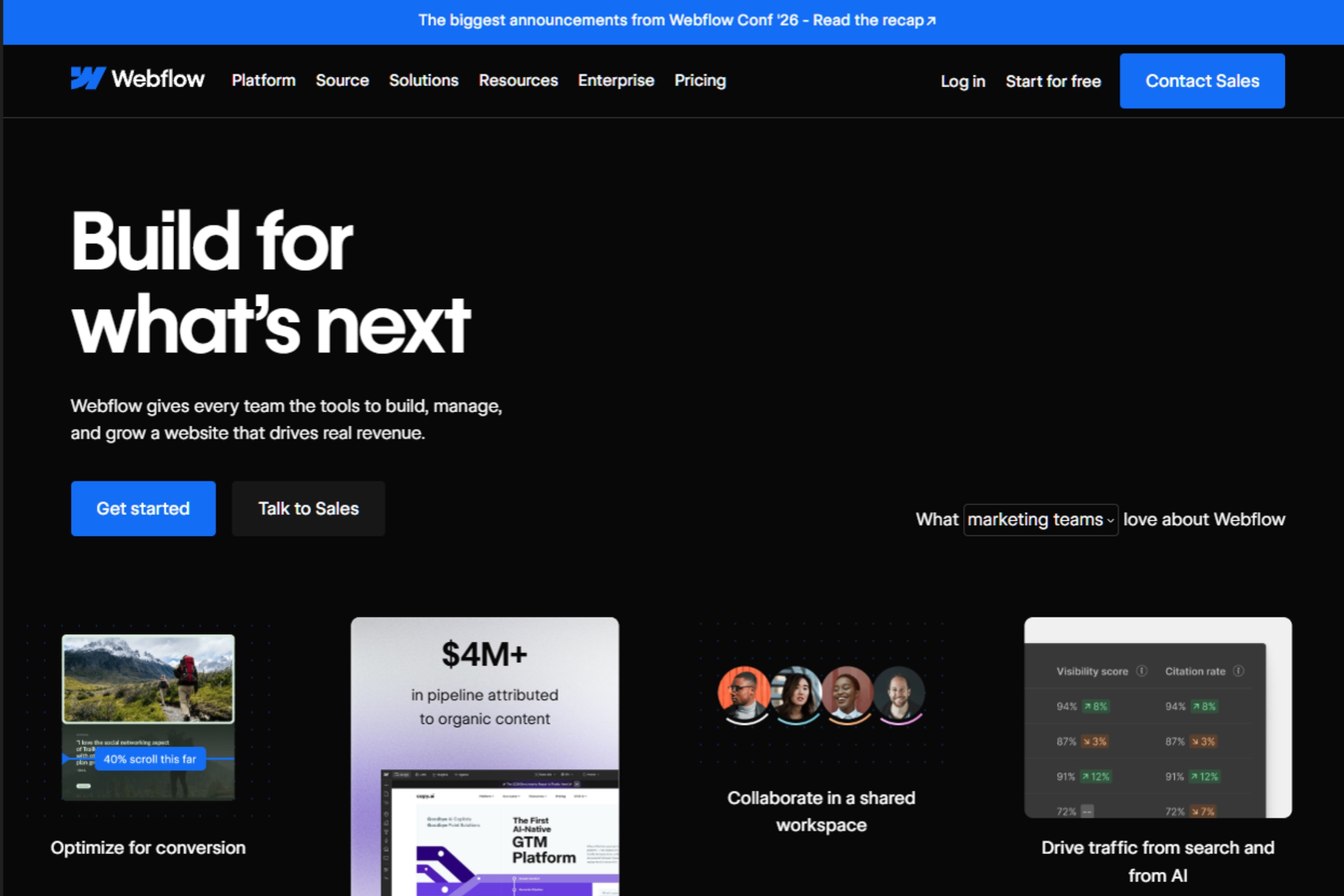
If you’re evaluating website platforms, you’ve likely come across Webflow’s reputation as an SEO-friendly CMS. Advocates praise its clean code, fast hosting, and built-in optimization features, while critics point to limitations around scalability, plugins, and advanced customization.
So, is Webflow good for SEO?
The answer is yes, for most businesses. Webflow provides strong technical SEO foundations, excellent performance potential, and native optimization tools that make it easier to manage SEO without relying on dozens of plugins. For startups, SaaS companies, agencies, and marketing-led organizations, it offers a compelling balance of flexibility and ease of use.
However, Webflow isn’t the perfect fit for every scenario. Large-scale programmatic SEO projects, highly customized web applications, and organizations dependent on extensive plugin ecosystems may encounter limitations.
In this guide, we’ll take an objective look at Webflow SEO capabilities, strengths, weaknesses, and ideal use cases so you can determine whether it’s the right platform for your business.
Why Webflow Is Considered SEO-Friendly
Webflow has become increasingly popular among marketers because it combines technical SEO functionality with relatively low maintenance requirements.
Clean, Semantic Code Output
One of Webflow’s most frequently cited advantages is its code quality.
The platform generates clean HTML, CSS, and JavaScript without much of the bloat often associated with heavily customized CMS environments. Cleaner code can contribute to:
- Faster page rendering
- Improved crawlability
- Easier maintenance
- Better overall site performance
While code quality alone won’t improve rankings, it creates a strong technical foundation that supports SEO best practices.
Strong Technical SEO Controls
Webflow includes many essential SEO settings directly within the platform.
Users can manage:
- Meta titles
- Meta descriptions
- Canonical tags
- Open Graph settings
- Image alt text
- 301 redirects
- Robots directives
Unlike some platforms that require multiple plugins to access these capabilities, Webflow includes them natively.
This is particularly beneficial for marketing teams that want greater control without relying heavily on developers.
Automatic XML Sitemap Generation
XML sitemaps help search engines discover and index website content more efficiently.
Webflow automatically generates and updates sitemap files whenever new content is published.
Benefits include:
- Easier indexing of new pages
- Improved content discovery
- Reduced technical maintenance
Although XML sitemaps aren’t a ranking factor themselves, they support a healthy crawl and indexation process.
SSL Security by Default
Every Webflow-hosted website includes SSL certificates by default.
This means:
- Websites use HTTPS
- User data is encrypted
- Security requirements are met automatically
SSL has been a standard SEO best practice for years, and Webflow eliminates the need for manual setup.
AWS Hosting and Global CDN Infrastructure
Hosting quality plays a significant role in website performance.
Webflow’s hosting infrastructure is built on Amazon Web Services (AWS) and supported by a global content delivery network (CDN).
This helps improve:
- Page load speeds
- Reliability
- International performance
- User experience
Fast hosting alone won’t guarantee rankings, but it contributes to many of the performance signals search engines value.
Strong Core Web Vitals Potential
Core Web Vitals continue to play an important role in user experience and website performance.
Webflow creates favorable conditions for strong Core Web Vitals because of:
- Modern hosting infrastructure
- Global CDN delivery
- Efficient code output
- Reduced plugin dependency
Many Webflow sites achieve PageSpeed scores in the 80–90+ range with relatively little optimization.
However, it’s important to recognize that platform choice is only part of the equation.
Performance can still suffer from:
- Oversized images
- Excessive animations
- Video backgrounds
- Third-party scripts
- Poor optimization practices
In other words, Webflow supports strong Core Web Vitals, but site owners must still follow performance best practices.
Flexible CMS for Content Marketing
Content remains one of the most important drivers of organic traffic.
Webflow’s CMS allows businesses to create and manage:
- Blogs
- Resource centers
- Landing pages
- Case studies
- Knowledge bases
- Dynamic content collections
For SaaS companies and content-driven brands, this flexibility can significantly improve publishing efficiency.
Marketing teams can update content independently without relying on developers for routine website changes.
Webflow SEO Features Explained

While Webflow’s reputation often centers around performance and design flexibility, its built-in SEO feature set deserves attention as well.
On-Page SEO Controls
Webflow provides direct access to the on-page elements that influence how pages appear in search results.
Users can customize:
- Page titles
- Meta descriptions
- URL slugs
- Open Graph data
- Image alt attributes
These settings can be applied at both the individual page level and across CMS templates, making optimization more efficient for larger websites.
Technical SEO Features
Beyond basic metadata, Webflow includes several technical SEO capabilities that help improve crawlability and indexation.
Key features include:
- Automatic XML sitemaps
- Custom robots.txt settings
- 301 redirect management
- Canonical tag controls
- SSL certificates
- Clean URL structures
For many businesses, these features provide everything needed to maintain strong technical SEO without additional software.
Schema Markup Support
Structured data helps search engines better understand page content and may improve eligibility for rich results.
Webflow supports schema markup through custom code implementation.
Common schema types include:
- Article schema
- FAQ schema
- Product schema
- Review schema
- Organization schema
- Breadcrumb schema
The primary limitation is that Webflow doesn’t currently offer a visual schema builder. Most implementations require adding JSON-LD code manually.
For experienced SEO professionals, this is relatively straightforward. For beginners, it may require additional learning or developer support.
Localization and International SEO
Businesses targeting multiple countries or languages need international SEO capabilities.
Webflow supports localization through:
- Multilingual content management
- Language-specific URLs
- Automatic hreflang implementation
- International sitemap support
These features help search engines understand regional targeting and improve visibility across global markets.
For international SaaS companies and enterprise brands, this functionality can be particularly valuable.
Webflow’s AI SEO Capabilities
Artificial intelligence is increasingly becoming part of modern SEO workflows, and Webflow has begun incorporating AI-powered features into its platform.
While AI won’t replace strategy, it can help automate repetitive optimization tasks.
AI-Generated Meta Titles
Creating optimized title tags across large websites can be time-consuming.
Webflow’s AI tools can generate title suggestions based on page content, helping marketers speed up optimization workflows.
These suggestions should still be reviewed to ensure they align with target keywords and search intent.
AI-Generated Meta Descriptions
Meta descriptions can influence click-through rates, but writing unique descriptions for hundreds of pages often becomes a bottleneck.
AI-assisted generation helps streamline this process by creating initial drafts that marketers can refine and improve.
AI Alt Text Generation
Image optimization and accessibility both benefit from descriptive alt text.
Webflow’s AI capabilities can assist by generating alt text suggestions for uploaded images, reducing manual effort while improving accessibility compliance.
Limitations of AI SEO Automation
AI can improve efficiency, but it shouldn’t be treated as a replacement for SEO expertise.
AI-generated SEO assets may:
- Miss important keyword opportunities
- Misinterpret user intent
- Produce generic copy
- Overlook brand voice requirements
The best results typically come from combining AI-assisted workflows with human review and strategic oversight.
Where Webflow Has SEO Limitations
While Webflow offers strong SEO capabilities, it isn’t without drawbacks. Understanding these limitations is important when evaluating whether it’s the right platform for your business.
Smaller Plugin Ecosystem Than WordPress
One of WordPress’s biggest advantages is its extensive plugin ecosystem. SEO teams can access specialized tools for schema generation, internal linking, content optimization, analytics, and automation.
Webflow takes a different approach by building many SEO features directly into the platform. This reduces maintenance and plugin bloat, but it also means fewer third-party solutions are available when highly specialized functionality is required.
For most businesses, Webflow’s native feature set is sufficient. However, organizations accustomed to WordPress’s flexibility may find the ecosystem more restrictive.
Advanced Schema Requires Custom Code
Webflow supports schema markup, but implementation typically requires custom JSON-LD code.
This isn’t necessarily a major obstacle, but it does create additional work compared to platforms that offer dedicated schema plugins or visual builders.
For organizations heavily invested in structured data, implementation may require SEO expertise or developer support.
CMS Collection Limits
Webflow’s CMS is powerful for blogs, resource centers, and marketing websites, but there are limits to how much content can be managed within standard plans.
For most businesses, these limits won’t be an issue. However, websites managing large directories, marketplaces, or extensive content libraries should evaluate scalability requirements before committing to the platform.
Enterprise plans provide additional flexibility, but extremely large content operations may require alternative solutions.
Challenges for Large Programmatic SEO Sites
Programmatic SEO often involves generating thousands—or even hundreds of thousands—of pages dynamically.
Examples include:
- Job boards
- Travel websites
- Real estate platforms
- Large location-based directories
- Marketplace websites
While Webflow can support some programmatic workflows, it was not designed specifically for massive-scale programmatic SEO. Organizations pursuing aggressive page-generation strategies may find custom CMS architectures more suitable.
Learning Curve for Non-Technical Teams
Although Webflow is considered a no-code platform, it isn’t always beginner-friendly.
Compared to website builders like Wix or Squarespace, Webflow offers greater flexibility and control, but that flexibility comes with complexity.
New users often need time to learn:
- CMS collections
- Design workflows
- Class structures
- Custom code implementation
- Advanced SEO settings
Teams willing to invest time in learning the platform are often rewarded with greater control, but there is a learning curve.
How Webflow Performs for Different Business Types

Not every business has the same SEO requirements. The ideal platform depends largely on content strategy, website size, and growth goals.
Startups
Startups often need a platform that balances flexibility, speed, and affordability.
Webflow allows teams to launch quickly while maintaining strong SEO foundations. Its built-in optimization features reduce technical overhead, making it an attractive option for early-stage companies.
SaaS Companies
SaaS businesses frequently rely on content marketing to drive qualified traffic.
Webflow’s CMS is particularly well suited for:
- Blogs
- Resource hubs
- Case studies
- Landing pages
- Product marketing content
The ability for marketing teams to manage content independently is a significant advantage.
Marketing Websites
For lead generation and brand websites, Webflow is often an excellent fit.
The combination of design flexibility, strong SEO controls, and performance-focused infrastructure makes it popular among agencies and in-house marketing teams.
Ecommerce Businesses
Webflow Ecommerce works well for many small to mid-sized brands.
However, businesses requiring advanced inventory management, extensive integrations, or highly complex product catalogs may find specialized ecommerce platforms more suitable.
Enterprise Organizations
Enterprise businesses often need stronger governance, localization, and workflow capabilities.
Webflow Enterprise addresses many of these requirements through enhanced security, publishing controls, and increased CMS capacity. However, organizations with highly customized infrastructure requirements should evaluate whether additional development resources will be needed.
Webflow vs Other Platforms for SEO
Choosing a CMS isn’t just about features. It’s about how easily your team can manage SEO, maintain performance, and scale content over time.
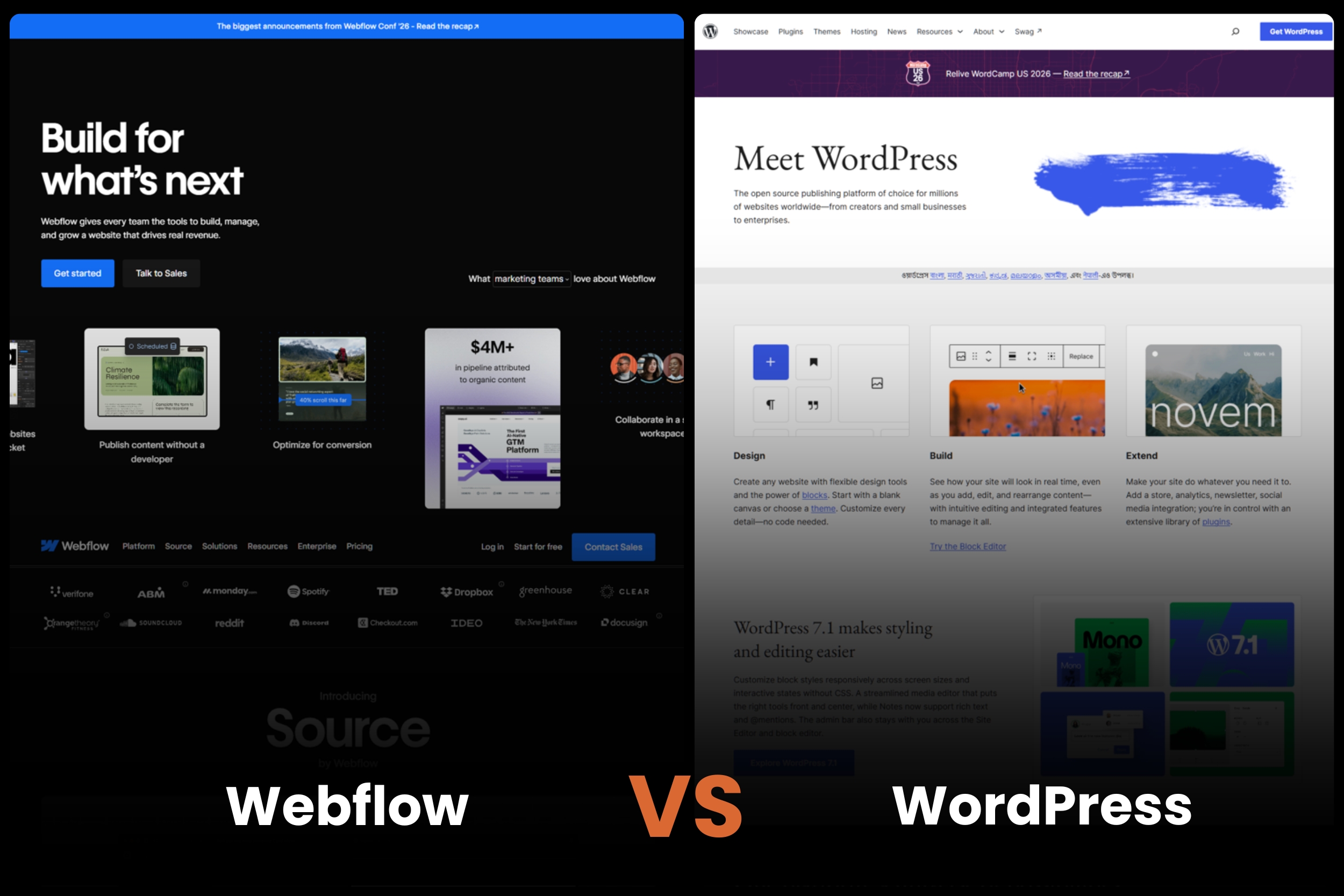
Webflow vs WordPress
WordPress remains the most widely used CMS in the world, largely because of its flexibility.
With thousands of plugins available, almost any SEO requirement can be addressed. However, that flexibility often comes with increased maintenance, plugin management, and security considerations.
For marketing teams that want strong SEO without managing a complex plugin ecosystem, Webflow is often the simpler choice.
Webflow vs Wix
Wix has improved significantly over the past several years and now offers many SEO features that were previously unavailable.
However, Webflow generally provides greater technical control.
Wix is often ideal for small businesses that prioritize simplicity, while Webflow is better suited for businesses treating SEO as a major growth channel.
Webflow vs Squarespace
Squarespace is known for attractive templates and ease of use.
It includes many standard SEO features, but Webflow offers more flexibility for advanced optimization and content management.
For businesses planning significant content marketing initiatives, Webflow typically offers more room to grow.
Best Practices for SEO Success on Webflow
Even the best platform requires proper execution. The following best practices can help maximize SEO performance.
Optimize Images
Large image files are one of the most common causes of slow websites.
Before uploading images:
- Compress files where possible
- Use WebP formats when appropriate
- Resize images correctly
- Avoid unnecessarily large background assets
Image optimization can significantly improve page speed and user experience.
Monitor Core Web Vitals
Webflow provides strong performance foundations, but ongoing monitoring remains essential.
Pay attention to:
- Largest Contentful Paint (LCP)
- Interaction to Next Paint (INP)
- Cumulative Layout Shift (CLS)
Common issues include oversized media, third-party scripts, and excessive animations.
Use Structured Data
Schema markup helps search engines better understand your content.
Depending on your website, consider implementing:
- Article schema
- FAQ schema
- Product schema
- Review schema
- Organization schema
- Breadcrumb schema
Structured data can improve search visibility and eligibility for rich results.
Build Topic Clusters
Modern SEO increasingly rewards topical authority.
Instead of publishing unrelated content, organize articles around core themes.
For example, a Webflow SEO content cluster might include:
- What Is Webflow SEO?
- Webflow SEO Checklist
- Webflow SEO Settings
- Webflow SEO for SaaS
- Webflow SEO vs WordPress
This approach strengthens relevance and creates natural internal linking opportunities.
Maintain Strong Internal Linking
Internal links help search engines understand site structure and distribute authority throughout your website.
Best practices include:
- Linking related articles together
- Connecting blog content to service pages
- Updating older content with links to new resources
- Creating content hubs around strategic topics
Strong internal linking remains one of the most overlooked SEO tactics.
Audit Technical SEO Regularly
SEO is not a one-time project.
Regular audits can help identify:
- Broken links
- Redirect issues
- Missing metadata
- Crawl errors
- Duplicate content
- Indexation problems
Routine audits help maintain long-term SEO health.
When Webflow Is the Right Choice
Webflow is an excellent fit for many organizations, particularly those focused on marketing and content-driven growth.
Consider Webflow if you are:
- A marketing-led organization focused on organic growth
- A SaaS company investing heavily in content marketing
- A startup seeking a scalable website platform
- A content-driven brand publishing regularly
- A business looking for low-maintenance SEO infrastructure
- A team wanting greater control without relying heavily on developers
For these use cases, Webflow often provides an ideal balance of performance, usability, and SEO functionality.
When Another Platform Might Be Better
Webflow isn’t the right solution for every situation.
You may want to consider alternatives if you:
- Operate a massive programmatic SEO project
- Require highly customized backend functionality
- Depend heavily on specialized plugins
- Manage extremely large publishing operations
- Need extensive application-level functionality beyond a traditional website
These situations don’t automatically eliminate Webflow as an option, but they often require additional planning and development resources.
Final Verdict: Is Webflow Good for SEO?

Yes, Webflow is good for SEO—and for many businesses, it’s one of the strongest website platforms available today.
Its combination of clean code output, built-in SEO controls, automatic XML sitemap generation, SSL security, AWS-based hosting, and global CDN infrastructure creates a solid technical foundation for organic growth.
Webflow also reduces many of the maintenance challenges associated with traditional CMS platforms. Marketing teams can manage content, optimize pages, and implement SEO best practices without relying heavily on plugins or developers.
That said, Webflow is not perfect.
Organizations pursuing massive programmatic SEO initiatives, highly customized backend systems, or enterprise-scale publishing operations may encounter limitations that require additional solutions.
Ultimately, the platform is best suited for:
- Startups
- SaaS companies
- Marketing-led organizations
- Content-driven brands
- Businesses seeking low-maintenance SEO infrastructure
No CMS can guarantee rankings. Success still depends on content quality, technical execution, authority, and user experience.
However, if you’re looking for a platform that combines strong technical SEO foundations with ease of management, Webflow is a compelling option and one that deserves serious consideration.
Ready to Improve Your Webflow SEO?
Identify technical issues, performance bottlenecks, and untapped growth opportunities that may be limiting your organic growth.
Download the Complete Webflow SEO Checklist
Get a step-by-step framework for optimizing your Webflow website and building a stronger foundation for long-term search visibility.